![Mallard Bay Logos-01.png]](https://resources.mallardbay.com/hs-fs/hubfs/Mallard%20Bay%20Logos-01.png?height=50&name=Mallard%20Bay%20Logos-01.png)
You can handle waivers/contracts in two main ways, depending on whether guests only need to view/download something or actually fill out and sign it.
Use Documents to share resources like:
- Third-party liability waivers
- License confirmation forms
- “What to Expect” guides
- Packing lists or pre-trip PDFs
- Contract packets hosted elsewhere
These documents can be assigned to specific listings or pricing packages. When someone books that listing/package, they’ll be prompted to view the document:
- In their booking confirmation email
- On their trip details page
This is best for documents guests need to read, download, or complete outside Mallard Bay.
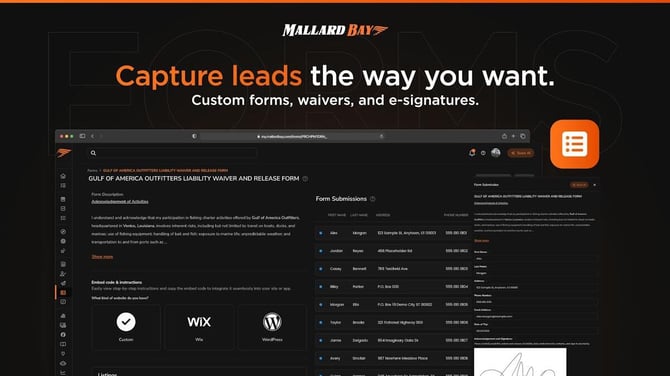
If you want guests to complete fields and sign digitally, use a custom form with a signature field.
A signed waiver/contract form can include things like:
- Guest name
- Phone number
- Date of birth
- Emergency contact
- Agreement checkboxes
Liability languageBookingconfirmationemail
Pre-trip reminder email
“Complete your forms” email
Additional payment or final details email
For custom waiver/contract forms, the guest fills out the required fields and signs electronically using the signature field. The completed submission is stored in the dashboard for your team to review.
I recommend reviewing:
- Which listings/packages need each waiver
- Whether the waiver is view-only or needs a signature
- Whether every guest must complete it, or only the booking contact
- Whether reminder emails should include the link
If you want, I can draft a digital waiver/contract form for you now
Watch the 30–60 second walkthrough.