![Mallard Bay Logos-01.png]](https://resources.mallardbay.com/hs-fs/hubfs/Mallard%20Bay%20Logos-01.png?height=50&name=Mallard%20Bay%20Logos-01.png)
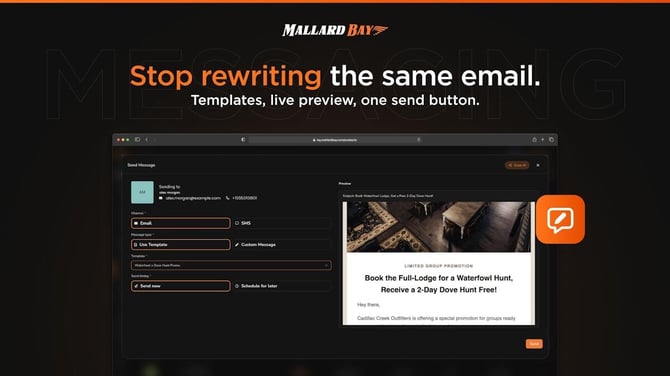
You can bulk message clients by using a saved message template and sending it to a client list/audience.
Basic workflow:
- Create or choose a message template
- Use an Email or SMS template depending on how you want to reach clients.
- Templates let you reuse the same message and include client-specific merge fields like their name.
- Go to your contacts/clients list
- Filter or select the clients you want to message.
- This could be all clients, a specific list, past hunters, leads, etc.
- Select multiple clients
- Use the bulk select option if you want everyone in the filtered list.
- Choose the bulk message/send action
- Pick the template you want to send.
- Review the message before sending.
- Send
- Confirm the recipients and send the bulk email or SMS.
I went ahead and opened Message Templates so you can start by creating or editing the message you want to send.