![Mallard Bay Logos-01.png]](https://resources.mallardbay.com/hs-fs/hubfs/Mallard%20Bay%20Logos-01.png?height=50&name=Mallard%20Bay%20Logos-01.png)
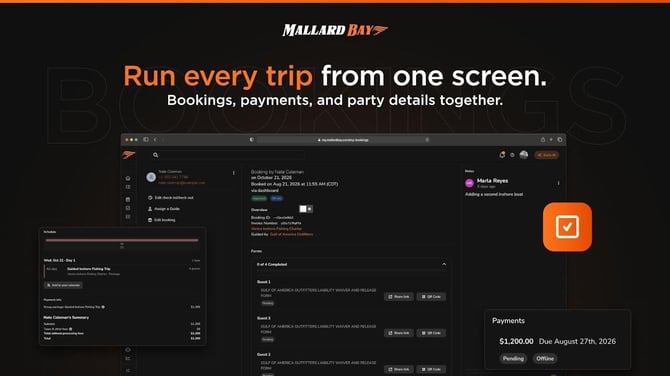
To manually enter an offline or phone booking, use the legacy booking workflow:
- Go to Bookings.
- Choose Add Bo
- Select the listing, dates, pricing/package, and number of guests.
- Enter or select the client’s contact information.
- Add any internal notes, forms, or required details.
- Save the booking.
- If needed, request a deposit or balance payment from the booking’s payments section.
I can take you to the Bookings page if you want to create one now.