![Mallard Bay Logos-01.png]](https://resources.mallardbay.com/hs-fs/hubfs/Mallard%20Bay%20Logos-01.png?height=50&name=Mallard%20Bay%20Logos-01.png)
Automated payment schedules let you collect money from clients without manually chasing every payment.
Automated payment schedules
For a booking, you can typically set up payments such as:
- Deposit due at booking
- Final balance due before the trip
- Additional scheduled payments, if needed
Once scheduled, Mallard Bay can help send the client the correct payment request at the right time. This is useful for deposits, split payments, remaining balances, or custom payment timelines.
You would usually manage this from the booking or payment area, depending on whether the payment is part of the original booking or an added payment later.
Payout notifications
Payout notifications let you know when money is being transferred to your account after a customer payment is processed. They generally help you track:
- When a client has paid
- When a payout is initiated
- When funds are expected or have arrived
- Any failed or delayed payment activity
Good workflow
- Create or confirm the booking
- Set the deposit and remaining balance/payment schedule
- Add any extra scheduled payments if needed
- Make sure your notification settings are turned on for payment and payout activity
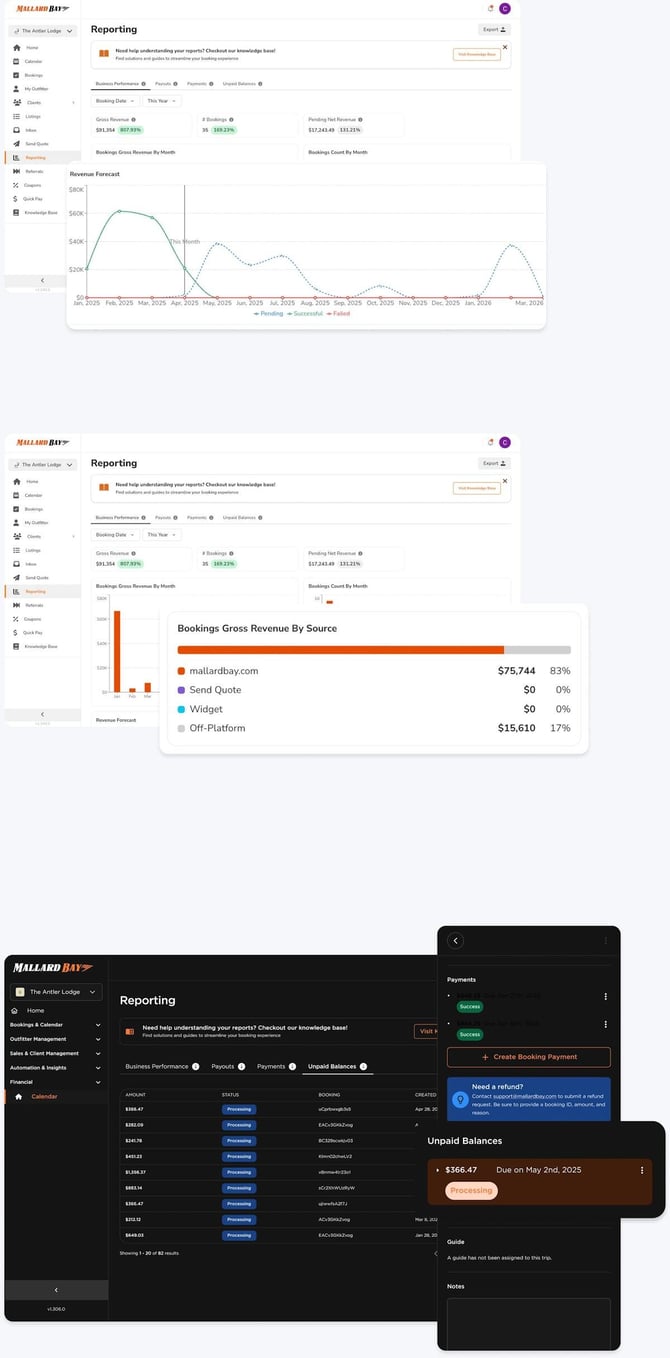
- Track payment status from the booking or reporting/payment views